VPN on Android: what it does, how to set it up and which ones are safe
What a VPN does on your phone, how to set it up on Android and Samsung, always-on VPN, and how to tell a safe free VPN from a risky one.
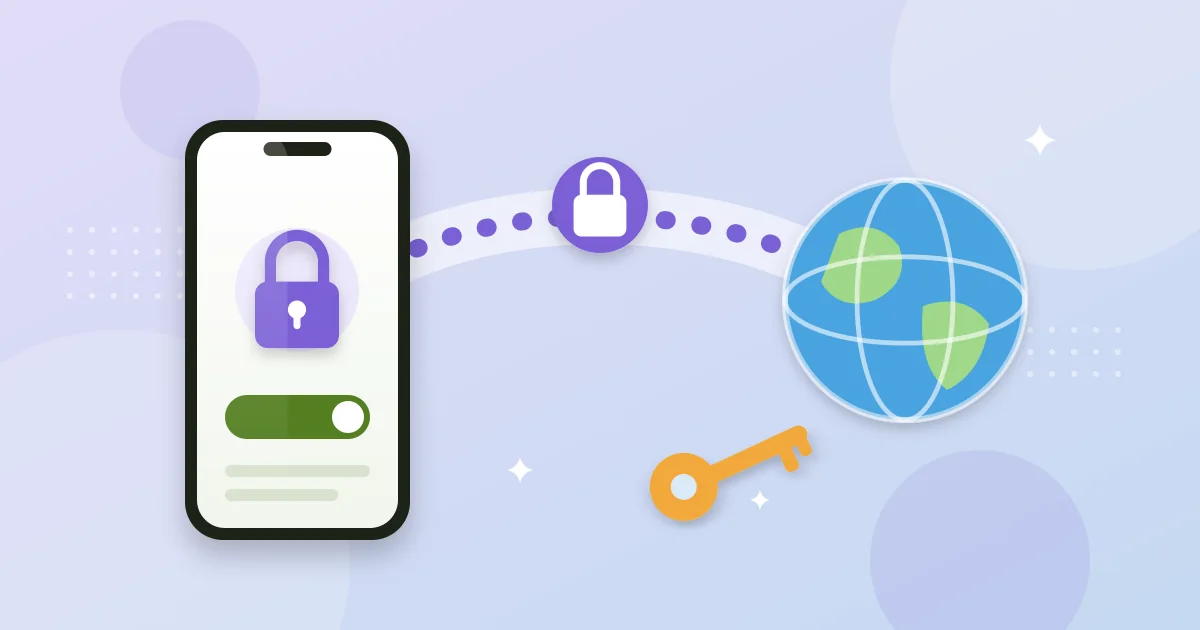
A VPN creates an encrypted tunnel between your phone and a server run by the VPN company. Websites and apps see that server's IP address instead of yours, and whoever runs the network (airport Wi-Fi, the hotel, your carrier) only sees encrypted traffic going to the VPN.
What it does and doesn't do
| A VPN helps with | A VPN doesn't |
|---|---|
| Using public Wi-Fi in cafés, hotels and airports more safely | Remove viruses or stop scam texts and fake links |
| Hiding your IP and rough location from the sites you visit | Make you anonymous to Google, Meta or your bank when you're signed in |
| Connecting to your company network from outside | Change your Play Store country, which depends on your payments profile (explained here) |
How to turn on a VPN on Android
With an app (easiest). Install the VPN from Play Store, open it and sign in. The first time, Android shows a connection request: accept it. When the VPN is on you'll see a key icon in the status bar.
Manually (work VPN). If your company gives you a server and credentials:
- On Pixel and stock Android: SettingsNetwork & internetVPN and tap +.
- On Samsung: SettingsConnectionsMore connection settingsVPN.
Always-on VPN
On the same VPN screen, tap the gear next to your VPN and turn on Always-on VPN. If you also turn on Block connections without VPN, your phone won't use the internet if the VPN drops, which is handy on public Wi-Fi.
Free VPNs: how to tell if one is trustworthy
Running servers costs money. If a VPN is free and has no paid plan, it most likely makes money from ads or by selling usage data. Before installing one, check:
- Who publishes it. On the Play Store listing, look at the developer, their website and how long the app has been around.
- The Data safety section. Some VPNs show the independent security review badge, meaning they passed an external audit.
- The logging policy. Look for a no-logs policy confirmed by an independent audit, not just promised.
- Permissions. A VPN doesn't need your contacts, texts or call log.
One example of a serious free plan is Proton VPN's: it doesn't cap your data, though it only covers one device and a handful of countries. Paid VPNs add more countries, speed and devices.
How to check it's working
- Look for the key icon in the status bar.
- Search "what is my IP" with the VPN off and on: the IP and country should change.
- If an app stops loading, try another VPN server or exclude the app with split tunneling, if your VPN supports it.